Build Your Personal Brand with This Free LinkedIn Post Generator
Stand out in the professional feed today. This LinkedIn post maker turns your thoughts into clean visuals. Veeso AI handles the layout so you look like a pro. Pick a style and download high-res files instantly.
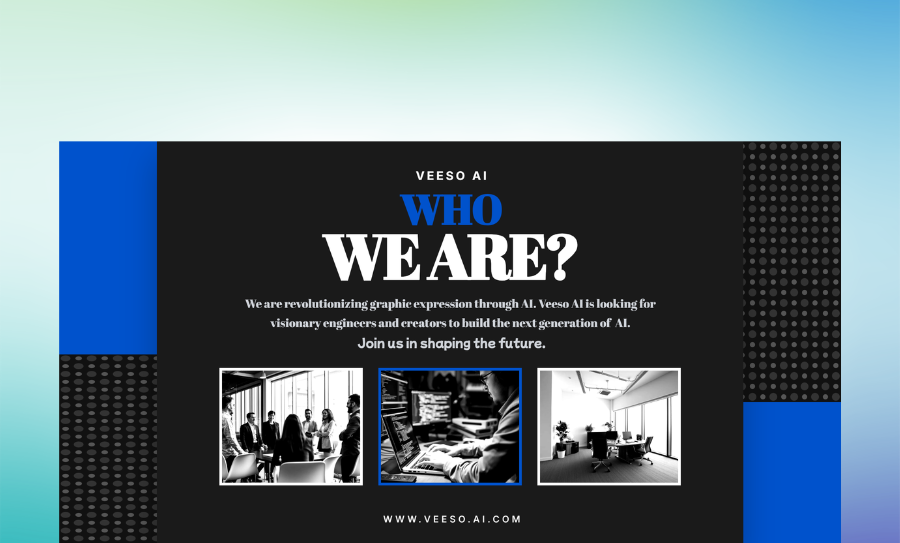
Three Ways to Generate professional social media graphics
Prompt-to-Post with an AI LinkedIn Post Generator
Just type out your core idea or a rough draft. The engine builds a structured layout around your text instantly. Veeso AI understands visual hierarchy so your headshot and hook look perfect.
- Smart content-to-layout engine
- Automatic visual hierarchy
- Clean typography for hooks
- Fast 300 DPI exports
Pick a Vibe for Your LinkedIn Post Creator
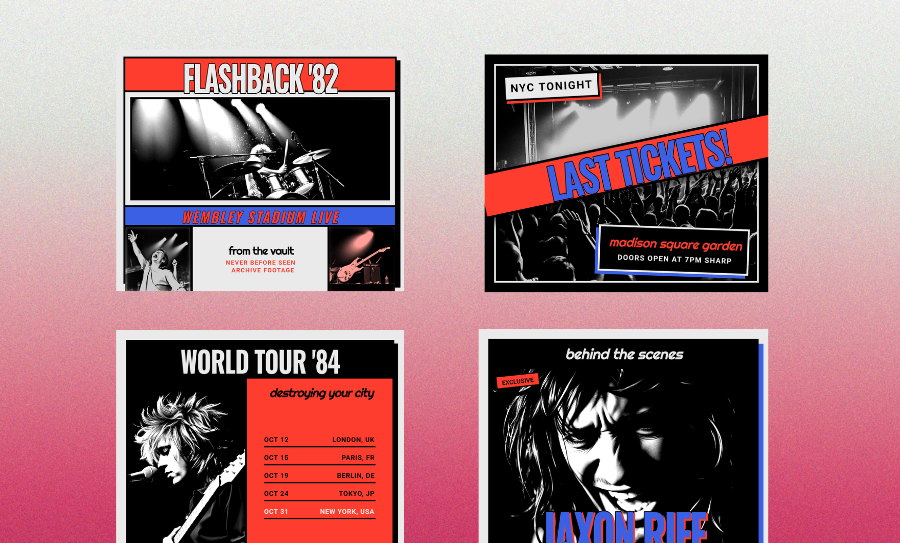
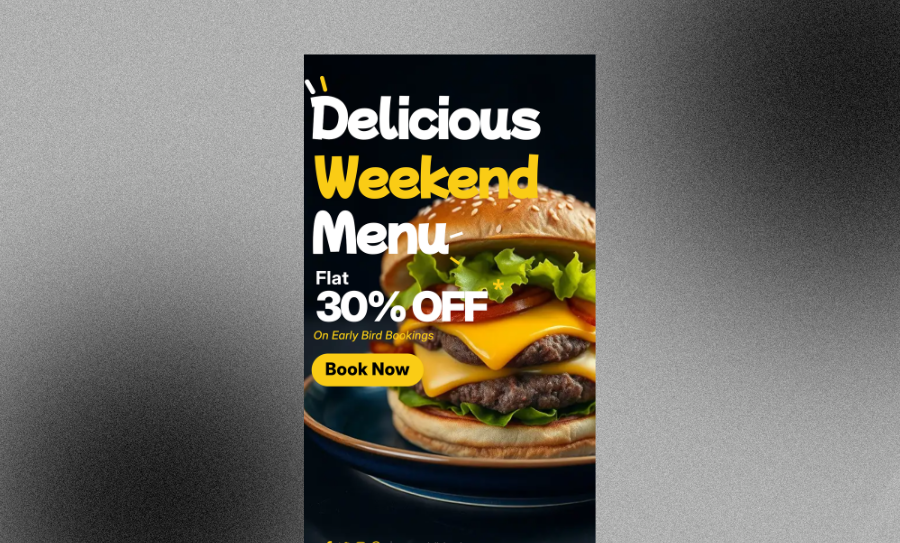
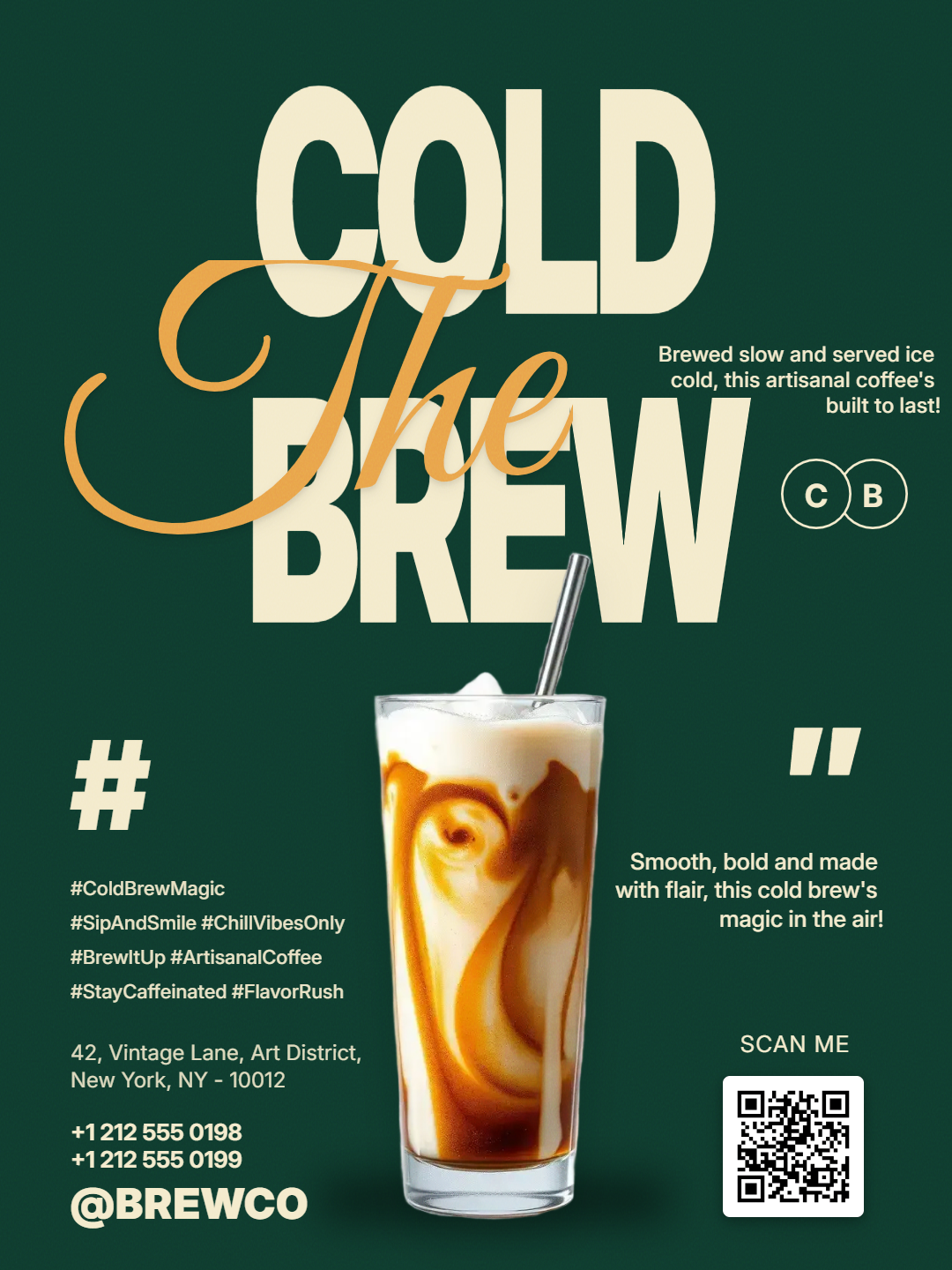
Browse professional styles that fit your industry. See a design you like? Grab it and swap out the details. You can tweak every layer, font, and color to make it yours.
- Curated professional color palettes
- Modern sans-serif font pairings
- Fully editable design layers
- One-click logo placement
Paste Text into the Best LinkedIn Post Generator
Got a draft in a Google Doc? Just paste it in. The tool turns your notes into a polished, print-ready graphic. It’s the fastest way to turn words into visual stories.
- Markdown and PDF import support
- Structured list formatting
- High-res PNG and PDF export
- Customizable brand assets
Why choose Veeso for your high-fidelity LinkedIn assets
Catch Every Eye with a LinkedIn Post Maker
Stop the scroll with layouts that actually pop. Your hooks and insights need to be readable to get engagement. Clear fonts and structured whitespace make your message impossible to ignore.
Try It Free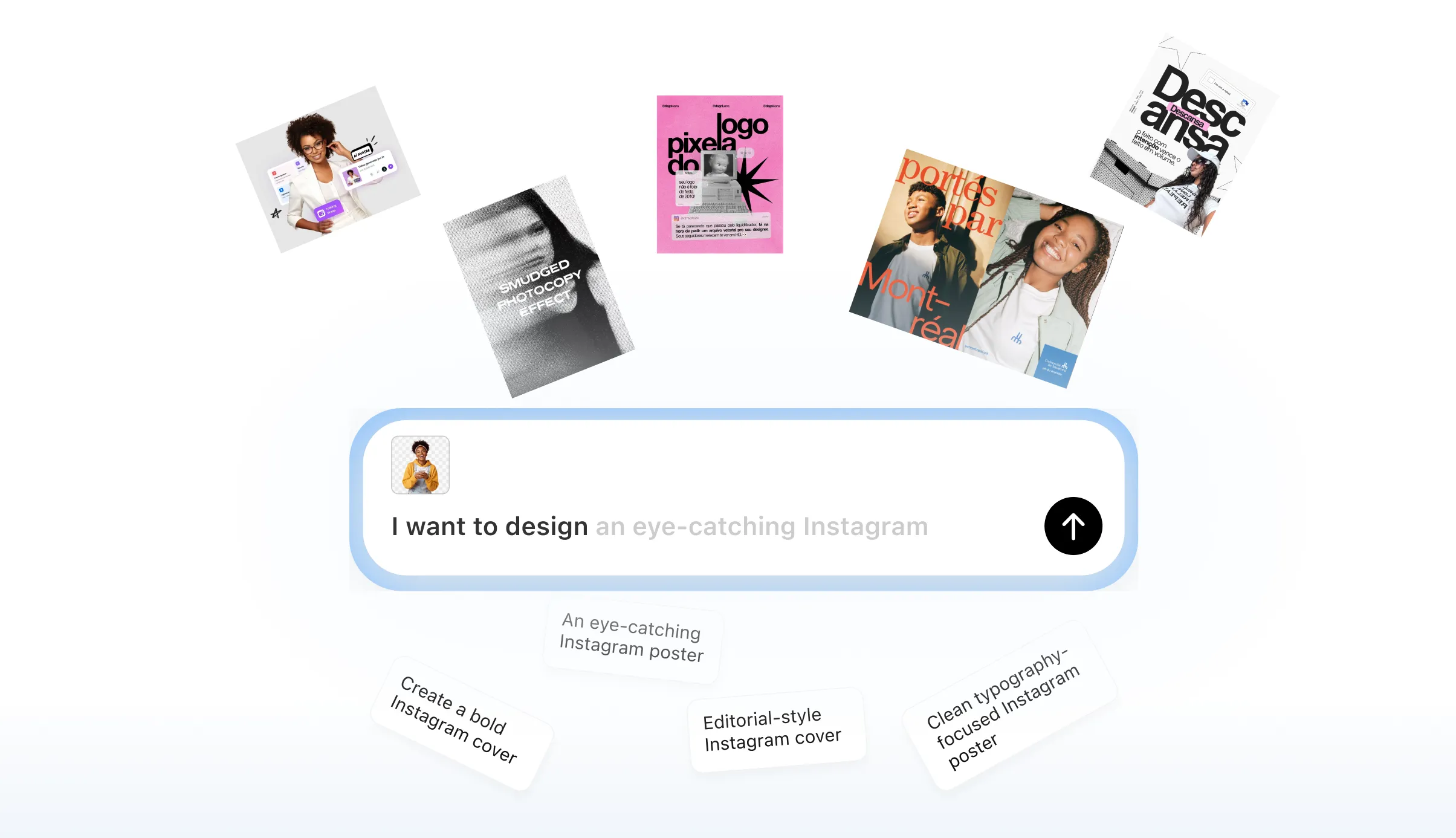
Pro Quality for Your High-Fidelity LinkedIn Assets
Most online tools give you blurry, low-res images. Veeso AI produces 300 DPI designs that look sharp on any screen. Your logos and charts will look crisp on high-res retina displays.
Try It Free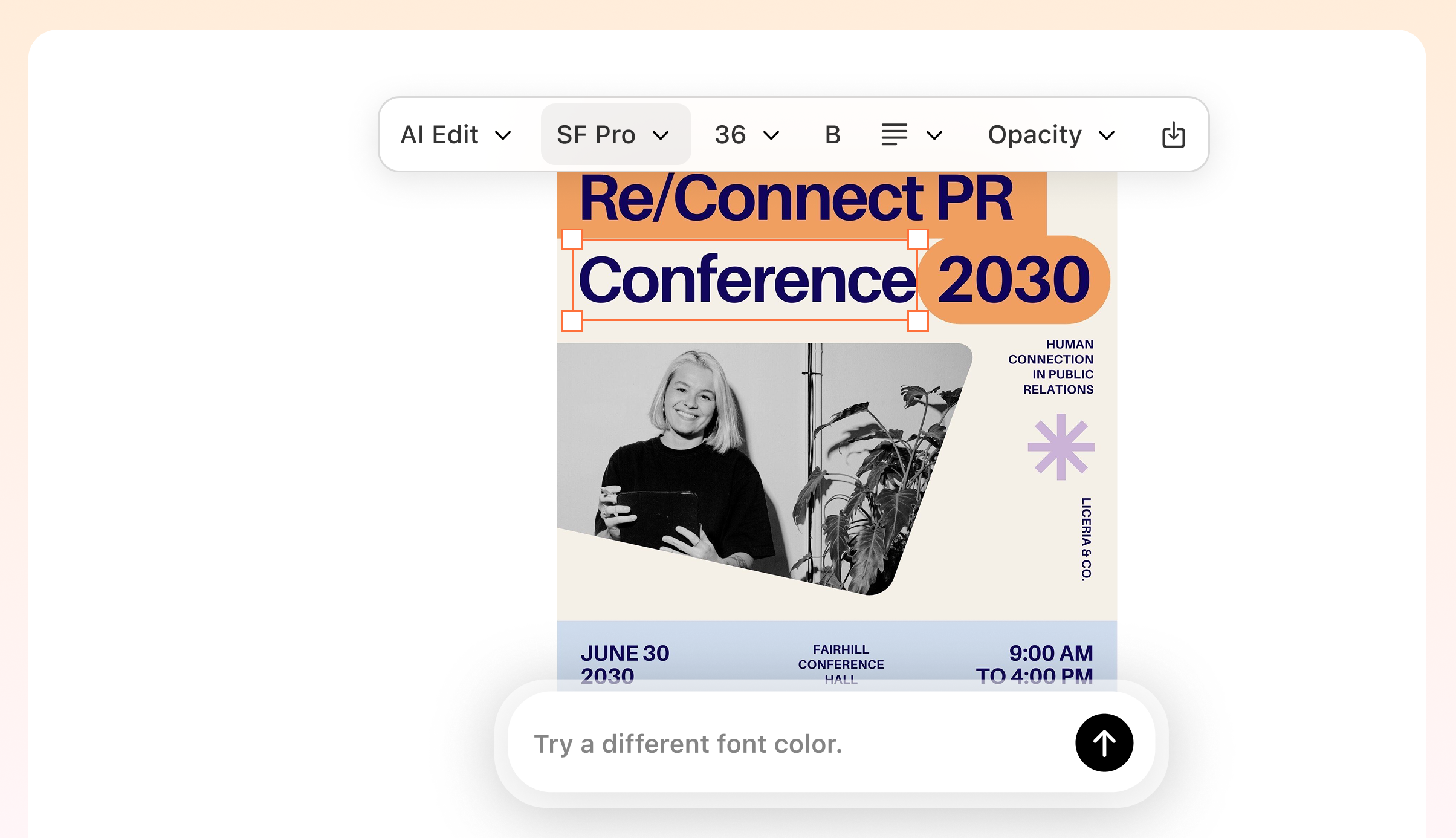
Custom Styles for Professional LinkedIn Post Design
Ditch the generic templates everyone else is using. Pick a custom color palette like slate blue or charcoal to match your brand. You get a polished, thoughtful look in just one click.
Try It Free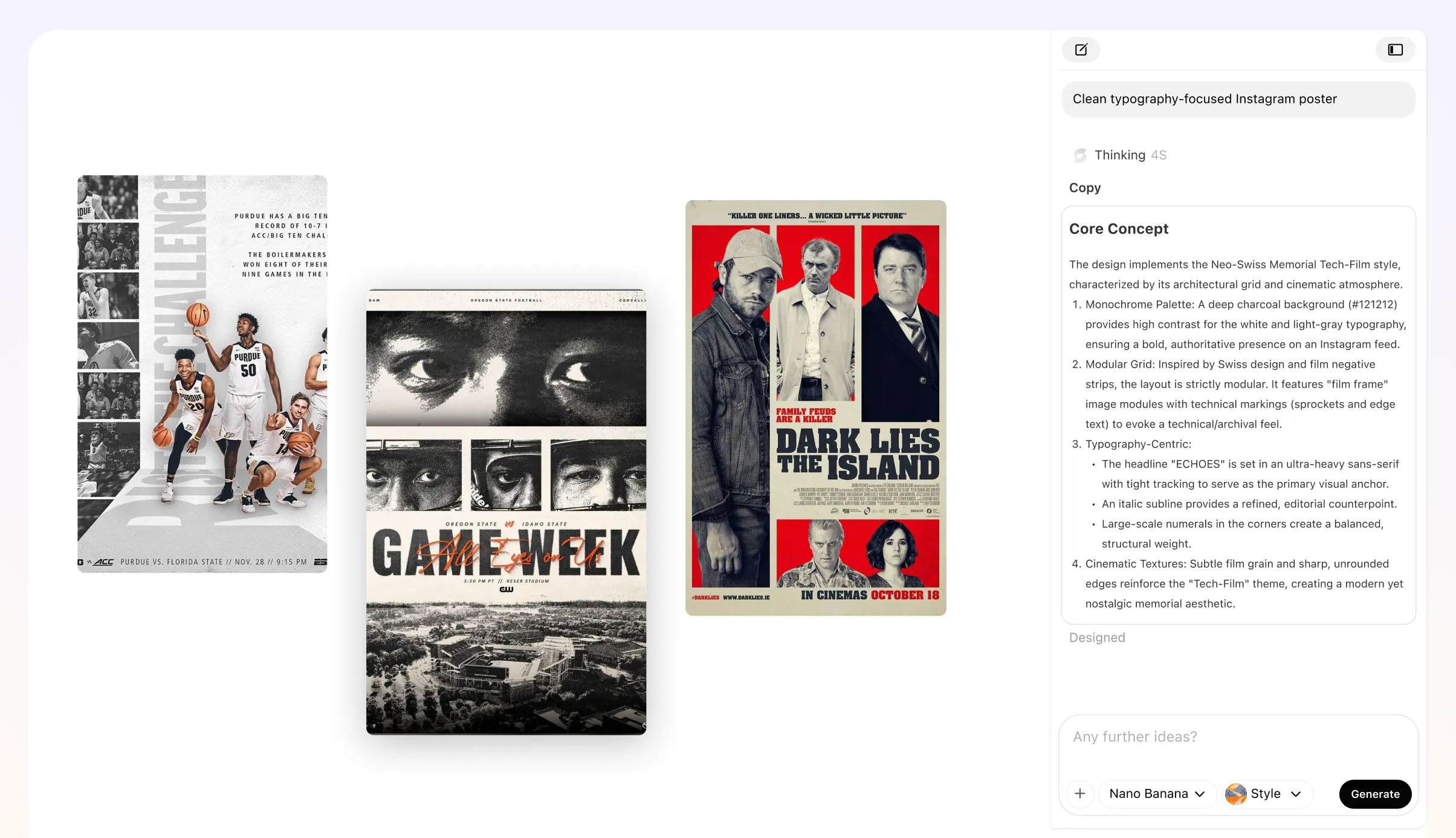
Perfect Sizes for Your LinkedIn Image Post Generator
Stop guessing the right dimensions for your graphics. Get the perfect 1200x627 link preview or 1080x1350 portrait post every time. It formats everything to fit the platform specs automatically.
Try It Free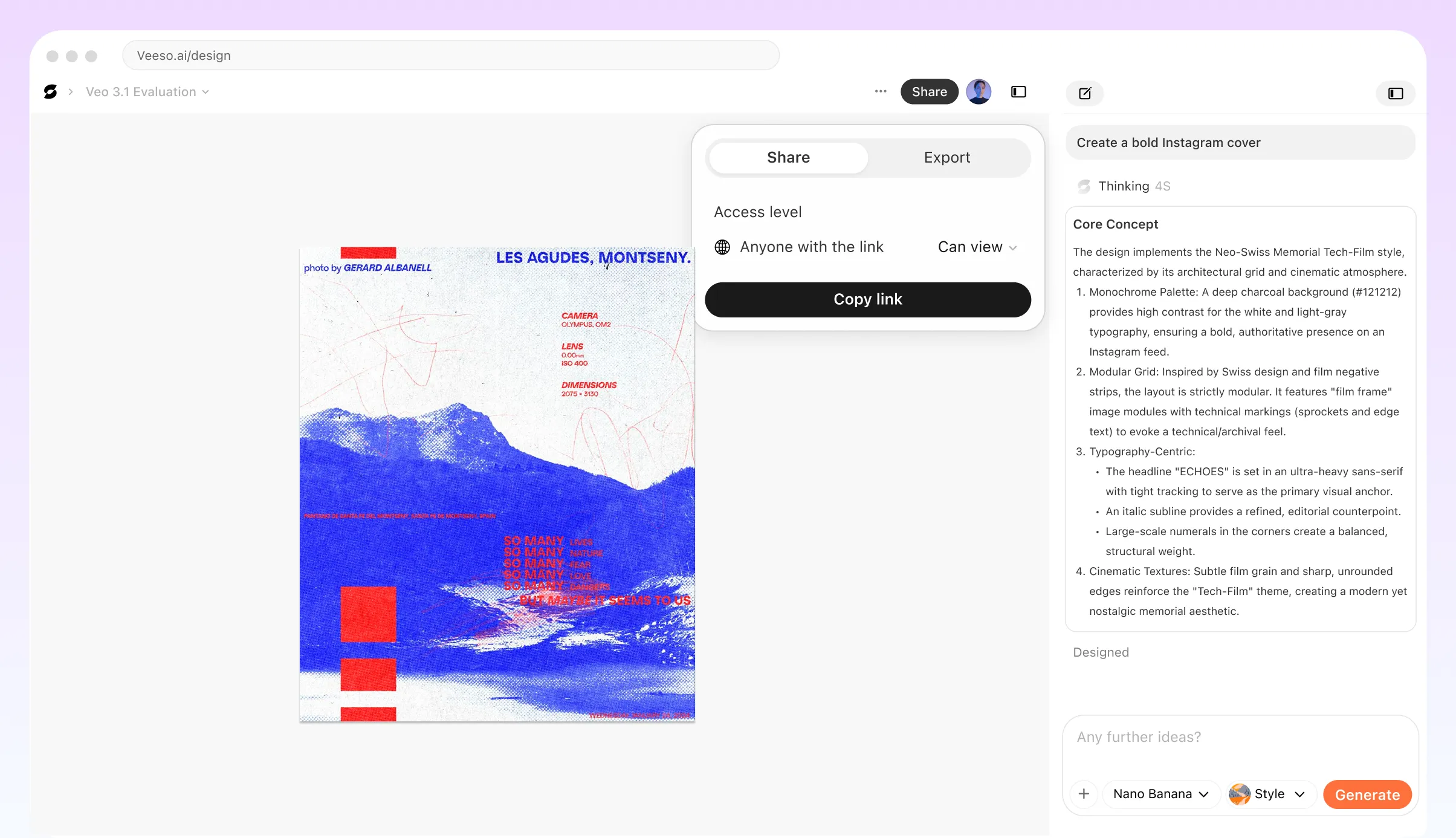
Who Needs a Free Online LinkedIn Post Maker?
Personal Brand LinkedIn Post Maker
You have a big idea but no design skills. Type your hook. Pick a slate blue layout. Hit export. It looks like you hired an agency.
Professional LinkedIn Post Design for Data
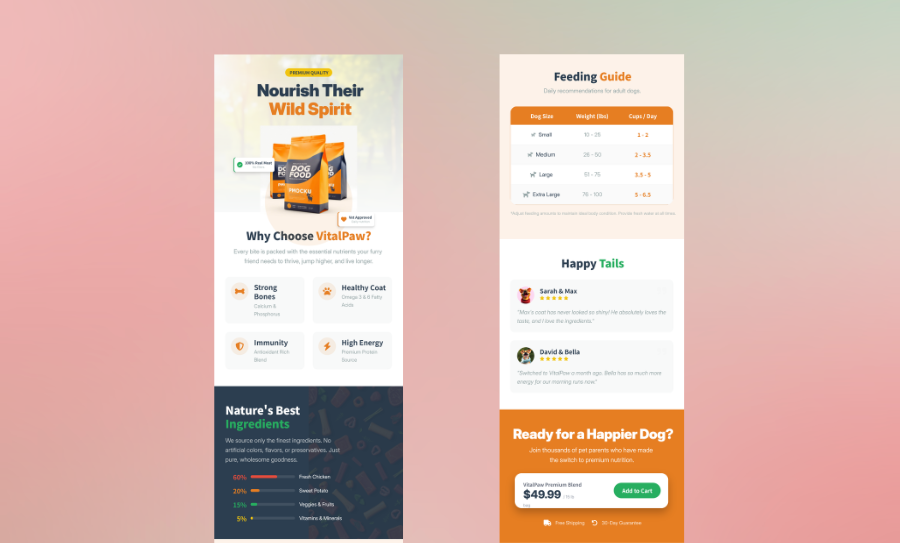
Turn messy stats into a clean chart. Paste your numbers here. Get a 300 DPI graphic. People will actually stop to read it.
Custom LinkedIn Post Creator for Hiring
Your team is growing fast. You need a standout hiring graphic. Use your brand colors. Download a high-res PNG and start interviewing today.
Free Online LinkedIn Post Maker for Events
Promoting a webinar? Drop in the date and speaker photo. Veeso AI handles the spacing. It looks polished on every screen.
AI LinkedIn Post Generator for Product Launches
Show off your new app with a sleek mockup. Paste your screenshot. Let the tool build a structured layout. It’s the fastest way to look professional.
LinkedIn Post Mockup Generator for Agencies
Show your client exactly how their ad will look. Create a pixel-perfect mockup in seconds. Export a high-resolution PDF for their final sign-off.
Why founders and marketing managers Choose Veeso AI
I needed a visual for a long post about my startup. This LinkedIn post creator made a charcoal layout. I had it ready in three minutes.
We printed our social graphics for a board meeting. The 300 DPI export from Veeso AI stayed sharp. My team finally looks consistent.
I needed three post variations for a client weekend launch. I used this LinkedIn post mockup generator to show them options. They loved the modern typography.
How to Create High-Converting polished LinkedIn post design
Drop Your Text into the LinkedIn Post Generator
Paste your hook and main points into the editor. Pick a style or describe the look you want.
Customize Your Professional LinkedIn Post Design
Tweak the layout and swap in your brand colors. Move any text box or image until it feels right.
Download Your High-Res LinkedIn Post Mockup
Grab a sharp PNG for social or a PDF for print. Your post is ready to share with your network.
FAQ
Ready to Create Beautiful High-Fidelity LinkedIn Assets with Veeso AI?
Start Creating NowNo credit card required • Free to start • No design skills required
Explore More AI Graphic Design Use Cases
Discover more creative design scenarios powered by Veeso AI.