GPT Image 2 — OpenAI's new image model, Generate editable design using GPT Image 2 in Veeso AI
ChatGPT Images 2.0 launched April 21, 2026. It renders posters, packaging, product shots, infographics, and multilingual signage cleanly on the first try, then Veeso AI turns that pixel into an editable layout you can still update.
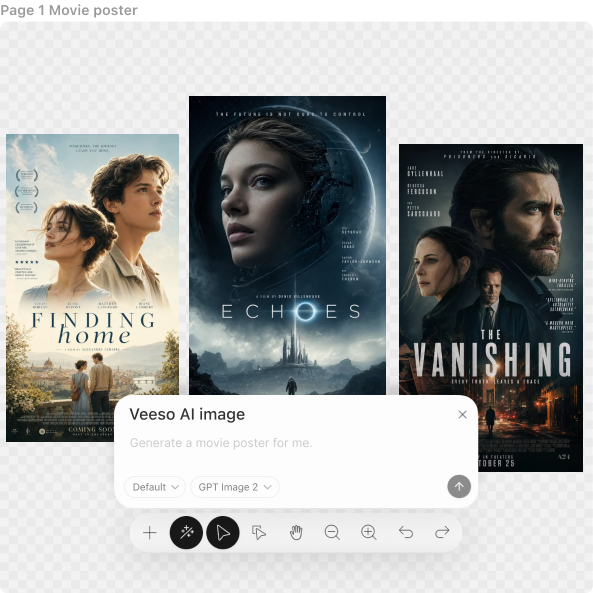
Three Ways to Generate GPT Image 2 images
Generate Complete Designs from a Prompt
Describe the scene, the product, the in-image text. GPT Image 2 reads long prompts as layered instructions, brand colors, lens choice, signage copy, packaging hierarchy and returns a finished frame. Available to all ChatGPT and Codex users; developers hit the v1/images/generations endpoint with model gpt-image-2.
- Up to 2K single-pass generation
- 95%+ in-image text accuracy
- Multilingual copy (CN, JP, KR, Hindi, Bengali, EN)
- Posters, packaging, UI, signage, infographics, maps
Upload Content and Let AI Design It
Have text, product info, pricing, menu items, or campaign copy ready? Drop it into Veeso. GPT Image 2 creates matching visuals while Veeso organizes everything into a professional layout automatically.
- Paste copy or upload files
- Multiple images from a single prompt
- AI visuals matched to your content
- Smart spacing and hierarchy
Edit Every Element After Generation
Unlike image-only tools, Veeso lets you keep working after AI generation. Update headlines, swap colors, change layouts, replace images, move blocks, and refine the final result in minutes.
- Editable text layers
- Replace visuals instantly
- Rearrange sections easily
- Brand-safe final output
Why choose Veeso for your GPT Image 2 images
Stronger AI Visual Quality Meets Real Design Workflow
Natural lighting. True-to-life skin and materials. Real weight and texture. The warm cast and generic "AI look" from earlier OpenAI models is gone — GPT Image 2 output reads as studio photography at up to 2K, in seconds. No regeneration loop, no squinting at plasticky faces.
Try It Free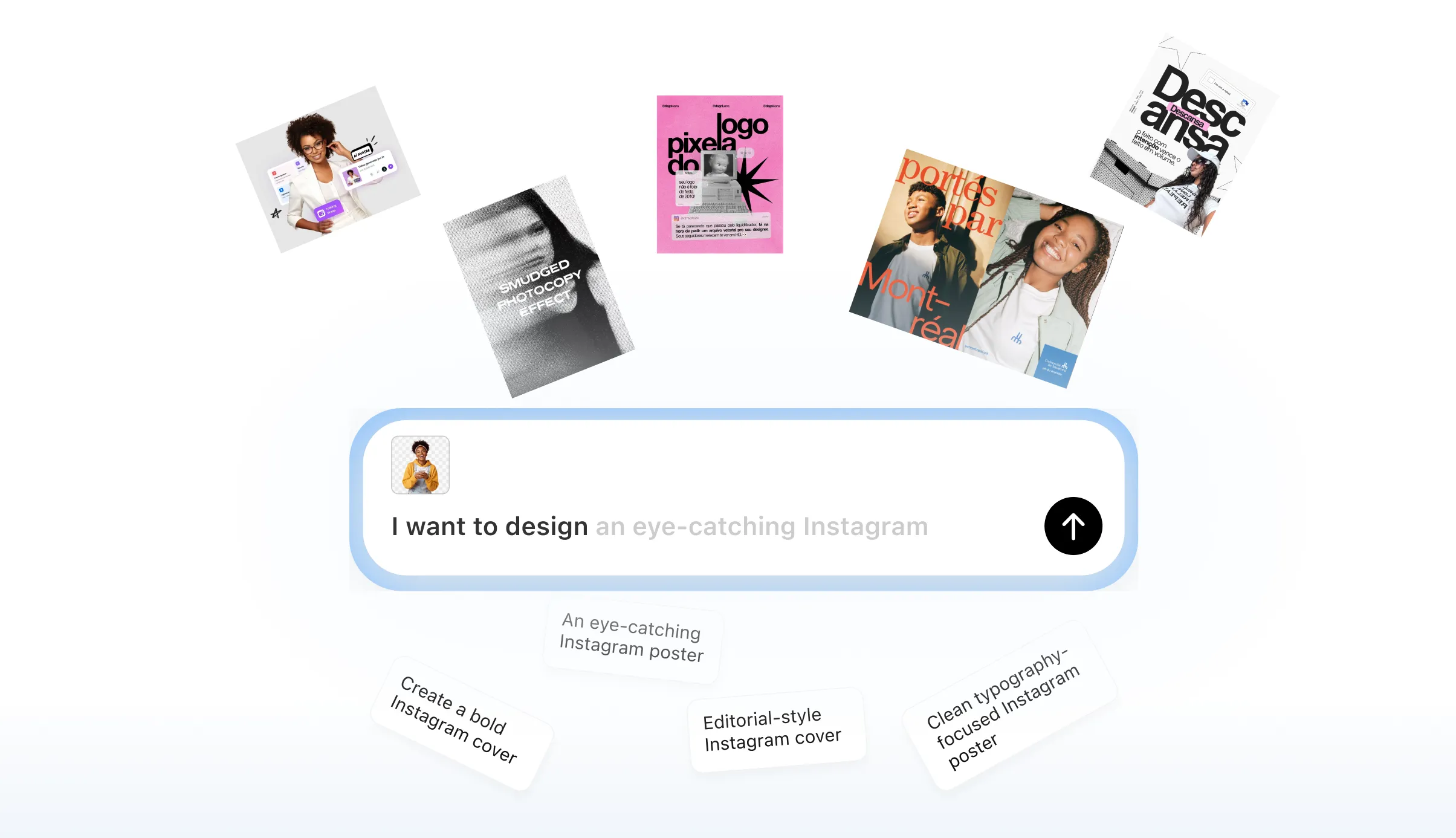
Build Editable Designs with GPT Image 2 Inside Veeso
GPT Image 2 is now built directly into Veeso. That means you get OpenAI’s latest image generation quality inside a real design workflow, not just standalone images. Generate posters, ads, menus, packaging, slides, social graphics, and branded layouts with stunning visuals plus editable structure in one place.
Try It Free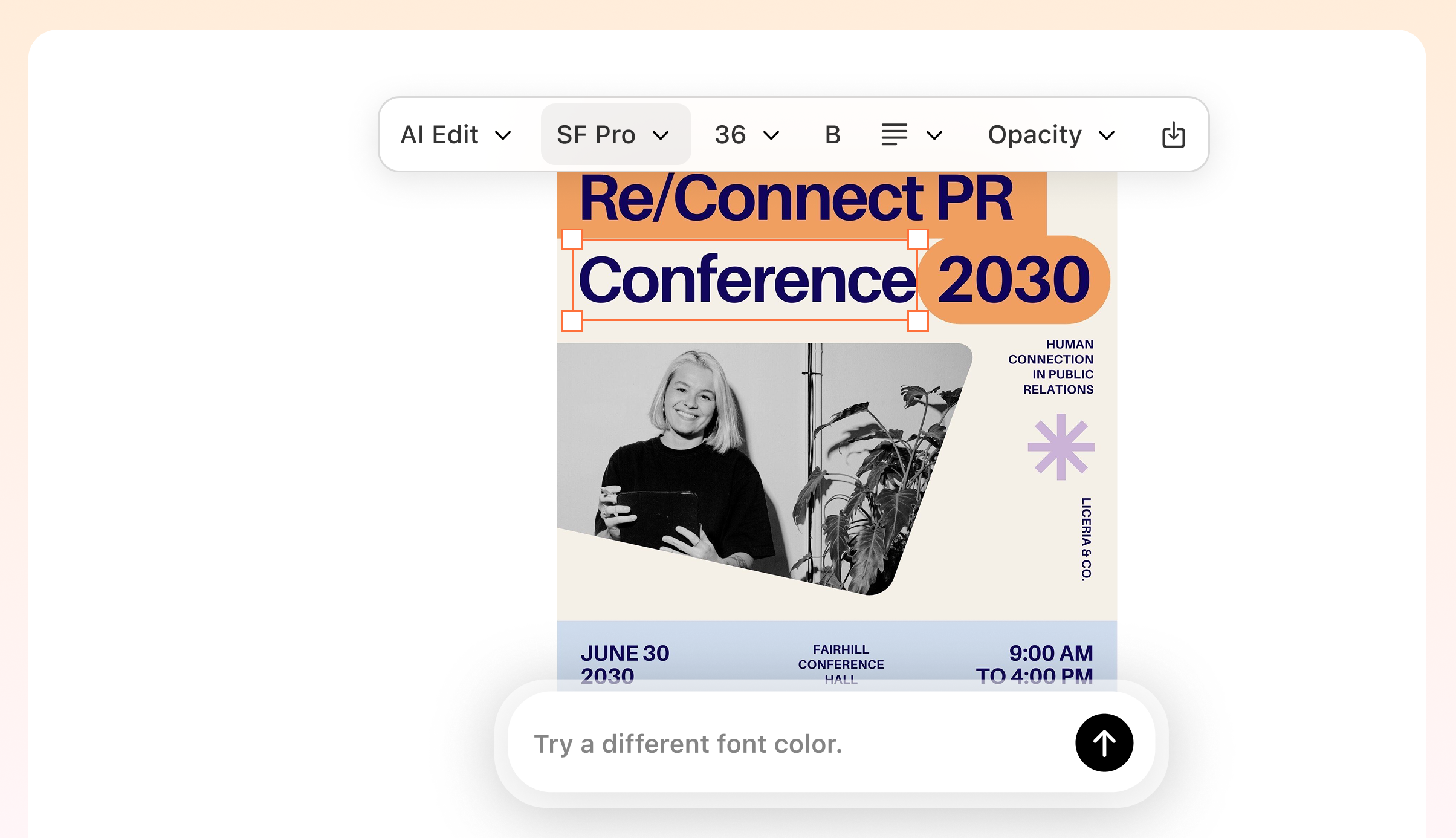
Typography that actually ships, in any language
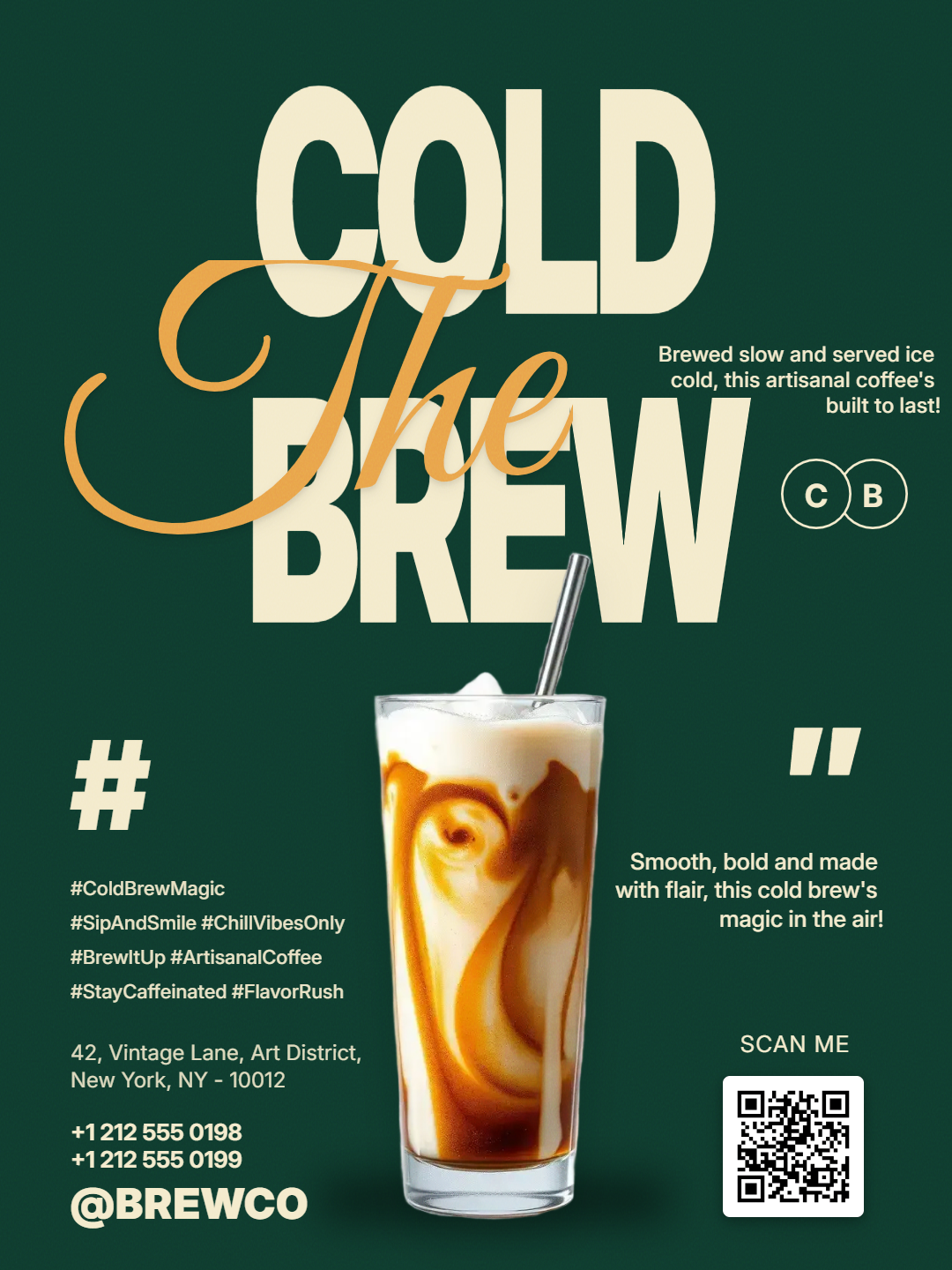
Posters, packaging, UI mockups, menus, signage — rendered pixel-perfect on the first try. Over 95% text accuracy, including Chinese, Japanese, Korean, Hindi, and Bengali characters on curved surfaces, at small sizes, inside dense layouts. The garbled-text problem that blocked commercial use in every prior image model is finally solved.
Try It Free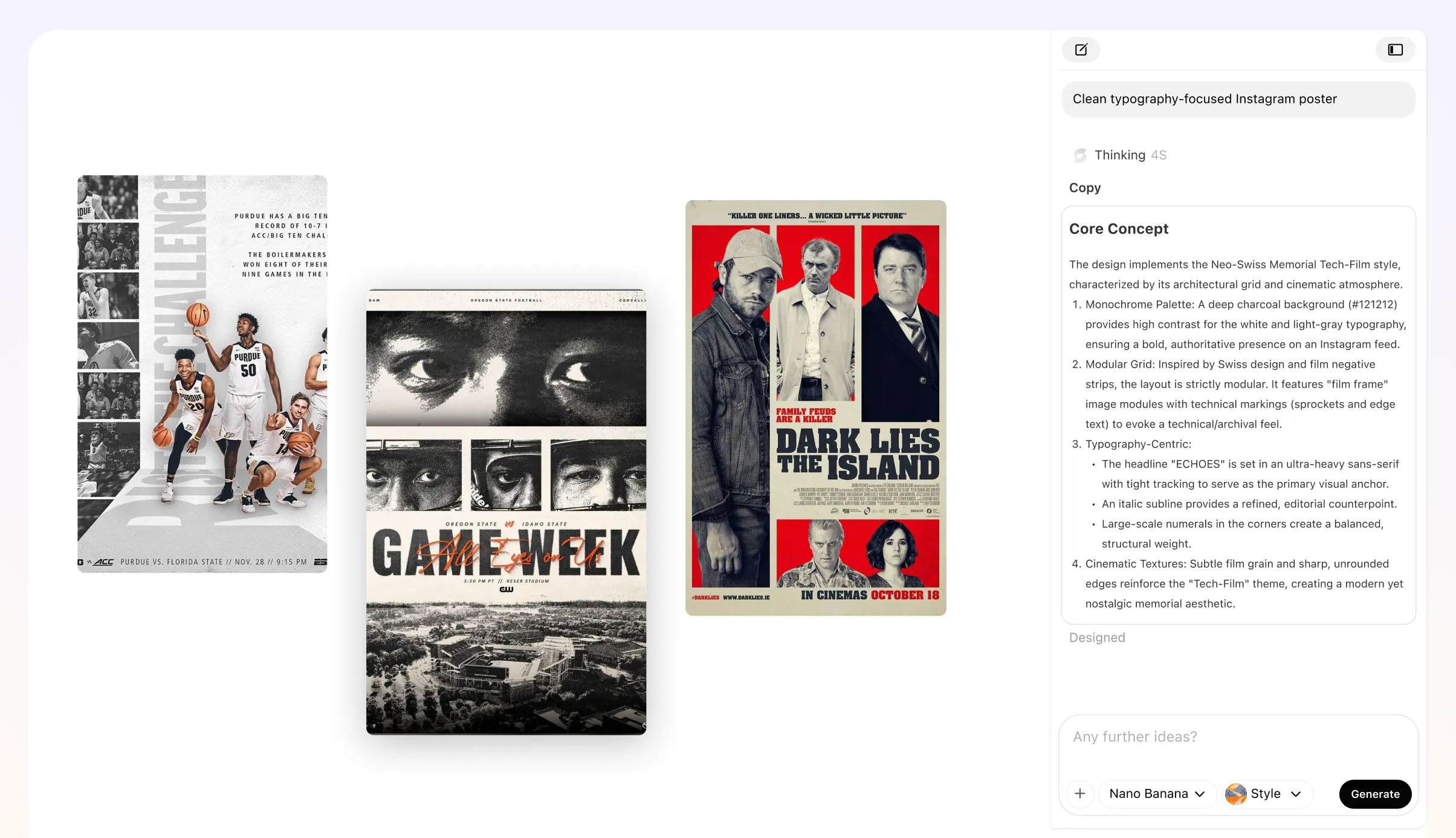
Turn Static Images into Real Marketing Assets
Most tools stop at the image. Veeso keeps going. Take one generated image and transform it into:Poster campaigns, Social ads, Product pages, Amazon A+ Content, Sales decks and Event signage etc.
Try It Free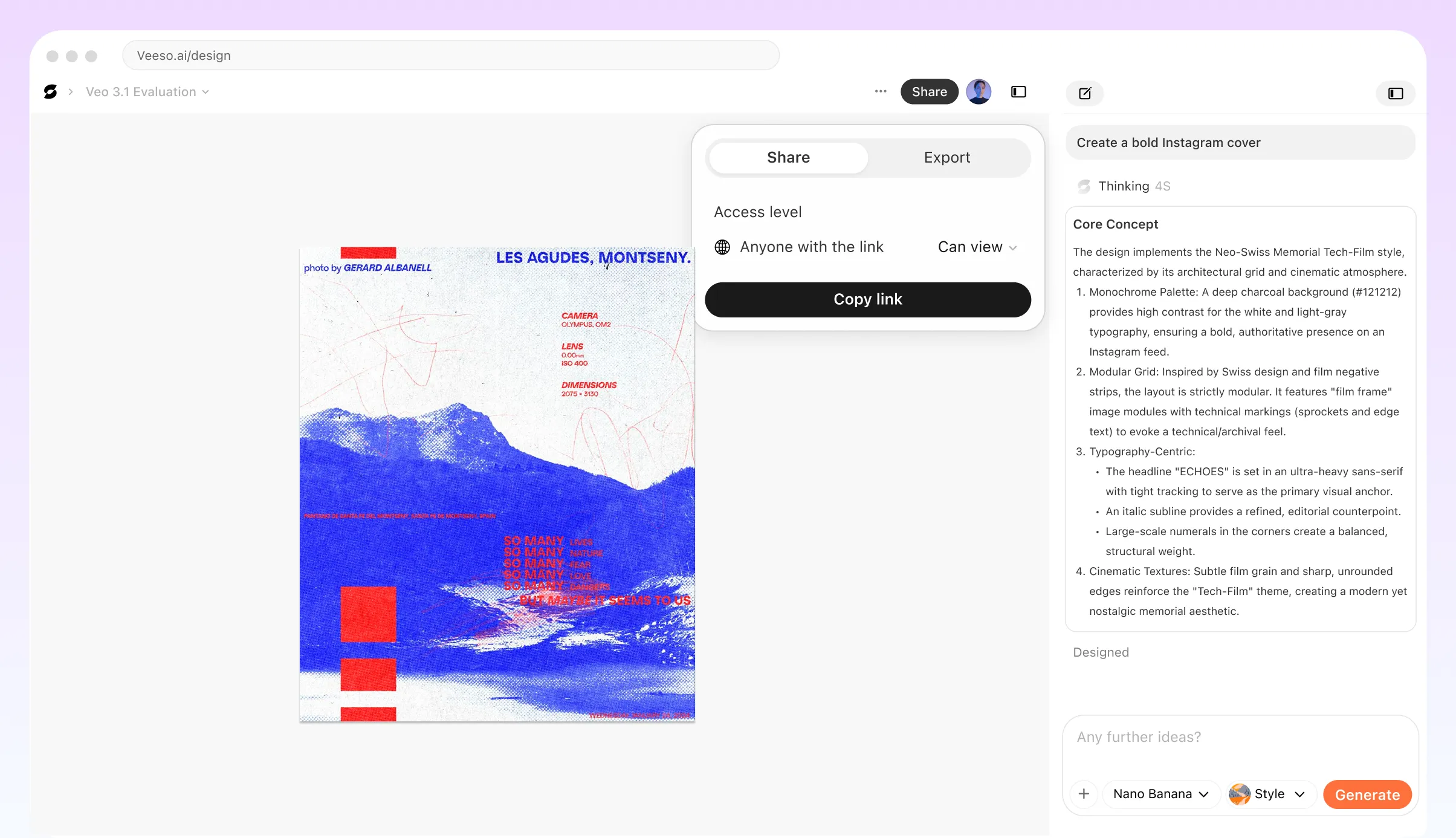
Real Ccenes GPT Image 2 Handles First Try
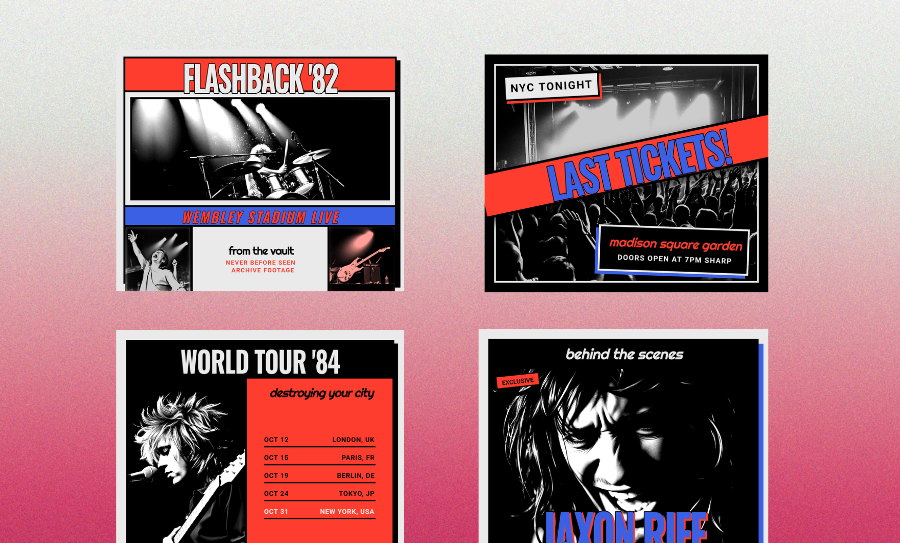
Campaign posters with legible headlines
Movie posters, product launch keyframes, brand campaign art — GPT Image 2 renders the headline, subhead, and legal line crisp enough to hand straight to the media team.
Packaging and menu mockups
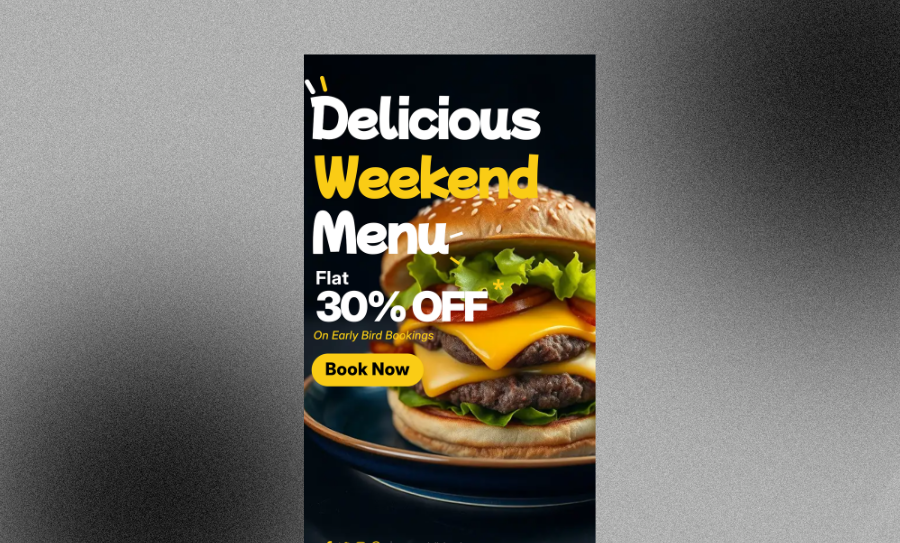
Bottles, boxes, pouches, restaurant menus, generated with readable ingredient lists, brand marks, and multilingual label copy that survives zoom and print.
Ecommerce product photography
Studio-grade product shots with clean backdrops, natural lighting, and accurate materials. Skip the photo studio day and still get hero images your PDP can ship on.
Infographics, slides, and maps with real data
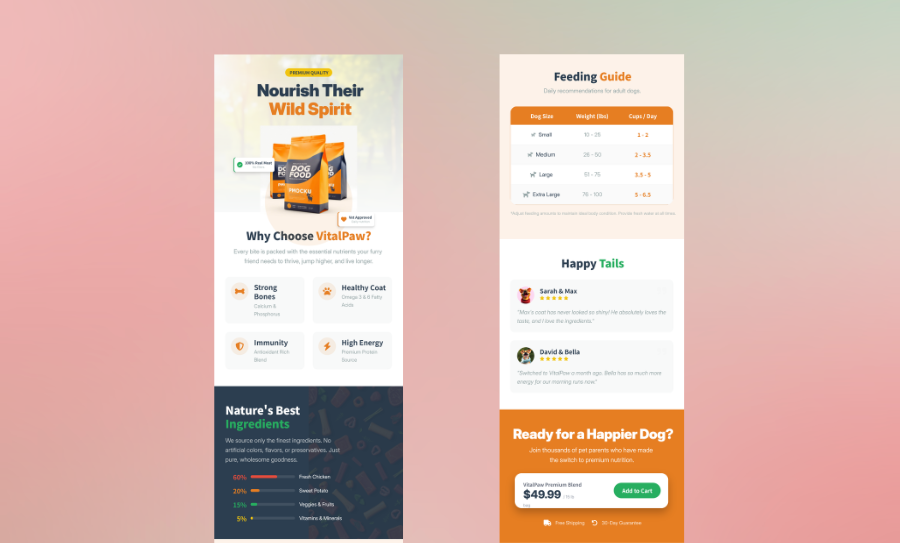
Thinking mode pulls live facts off the web and renders them cleanly inside charts, dashboards, and annotated maps. Great for investor decks and data-driven social content, areas where prior models garbled every number.
Social ads and performance creative
Paid social variants for Meta, TikTok, LinkedIn — same character, same product, dozens of headlines. Lock the hero, rotate the copy, ship the test. Multi-image mode returns the full variant set from one prompt.
Multi-panel comics and storyboards
Keyframes, manga pages, and mood boards for film, commercials, and investor decks. Consistent characters across panels mean the pitch feels like a real production, not a mood reel — and the dialogue inside the panel is actually legible.
Why Marketing And Creative Teams Choose Veeso AI
Finally an image workflow that doesn’t stop at the image. We generated concepts and turned them into a full campaign inside Veeso.
We used to need a studio day for packaging comps. Now I brief GPT Image 2, lock the bottle reference, and we have five label variants before lunch. The Japanese and Korean copy survives the zoom check.
Other AI image tools gave me random outputs. GPT Image 2 inside Veeso gave me ad creatives I could actually use.
How to Create High-Converting GPT Image 2 image
Open ChatGPT (or hit the gpt-image-2 API)
ChatGPT Images 2.0 rolled out to all ChatGPT and Codex users on April 21, 2026. Pick the image tool; paid plans unlock the advanced, higher-resolution and thinking-mode outputs. Developers use model name gpt-image-2 on v1/images/generations.
Brief the scene like a director
Write a prompt that covers subject, lens, lighting, mood, and any in-image text. Attach a reference (product shot, brand board, rough sketch) to lock a face, a bottle, a logo, or a layout. GPT Image 2 handles long, layered instructions — no magic keywords required.
Refine, then send it into Veeso for a real layout
Don't regenerate the whole frame — point at the shirt, the label, the background and describe one edit. When the hero looks right, drop it into Veeso AI and turn it into a poster, deck, or signage template with every text block still editable as a real text layer.
FAQ
Ship your first GPT Image 2 campaign — hero on OpenAI, layout on Veeso
Start Creating NowNo credit card required • Free to start • No design skills required
Explore More AI Graphic Design Use Cases
Discover more creative design scenarios powered by Veeso AI.