Make Custom Restaurant Menus with a Free Online Menus Generator
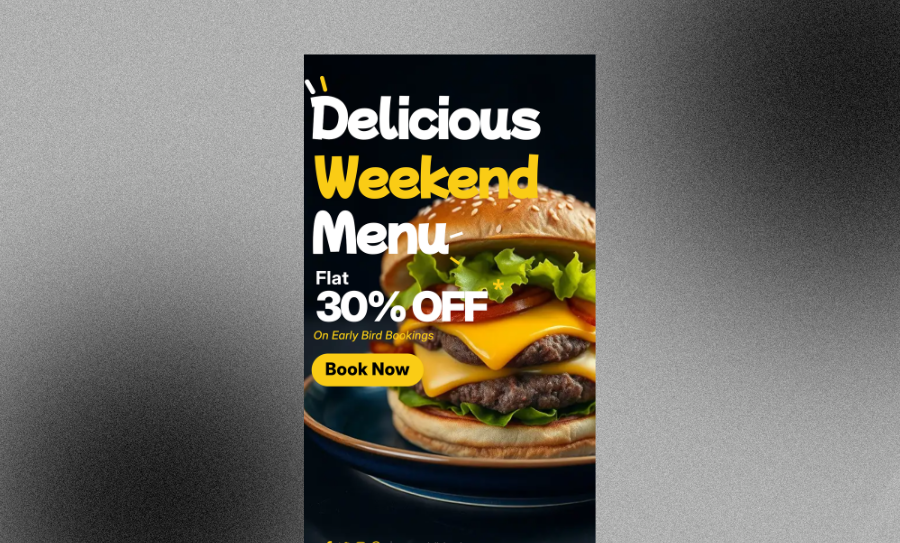
Create polished restaurant menus, café menus, wedding menus, or drink lists in minutes. Paste your dishes, prices, and descriptions, then let Veeso AI turn them into a fully editable layout. Download a high-resolution printable menu or share it digitally.
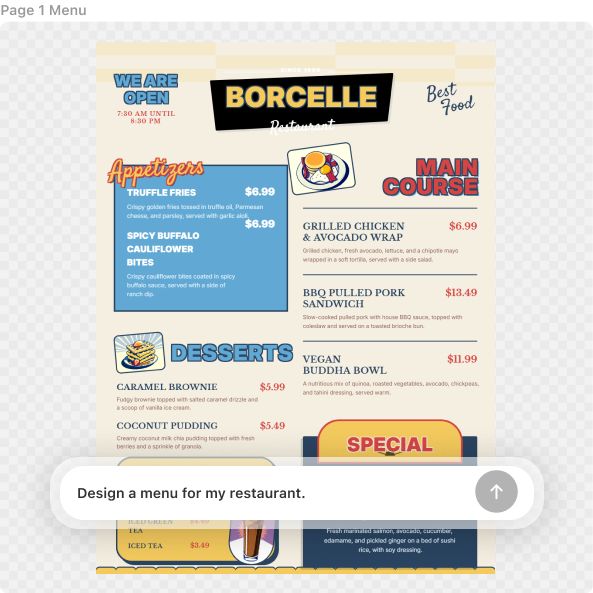
Three Ways to Generate Professional Menu Design
Describe Your Vibe to the Menus Generator
Tell Veeso what kind of menu you need—modern café, rustic brunch spot, fine dining, cocktail bar, or wedding reception. The AI builds a custom menu design around your content.
- Content-to-design generation
- Automatic font pairing
- Balanced section layouts
- Brand-matching color palettes
Use Professional Restaurant Menu Templates
Browse professionally designed menu templates made for real restaurants, cafés, bars, and events. Pick one, replace the content, and customize every detail.
- Standard US Letter sizes
- Slim and A4 formats
- Fully editable text and layers
- Clean, conversion-friendly layouts
Turn a Text List into a Design
Got your menu in a Word doc or PDF? Just upload them into the tool. Veeso AI Veeso automatically organizes it into a readable menu layout.
- Auto-formatted sections
- Aligned pricing columns
- Margin and bleed support
- High-resolution PDF export
Why choose Veeso for your print-ready restaurant menu
Build a Clear Visual Hierarchy
Keep guests focused on your food, not just the prices. A good layout uses white space to make your best sellers pop. This helps hungry customers decide faster and order more.
Try It Free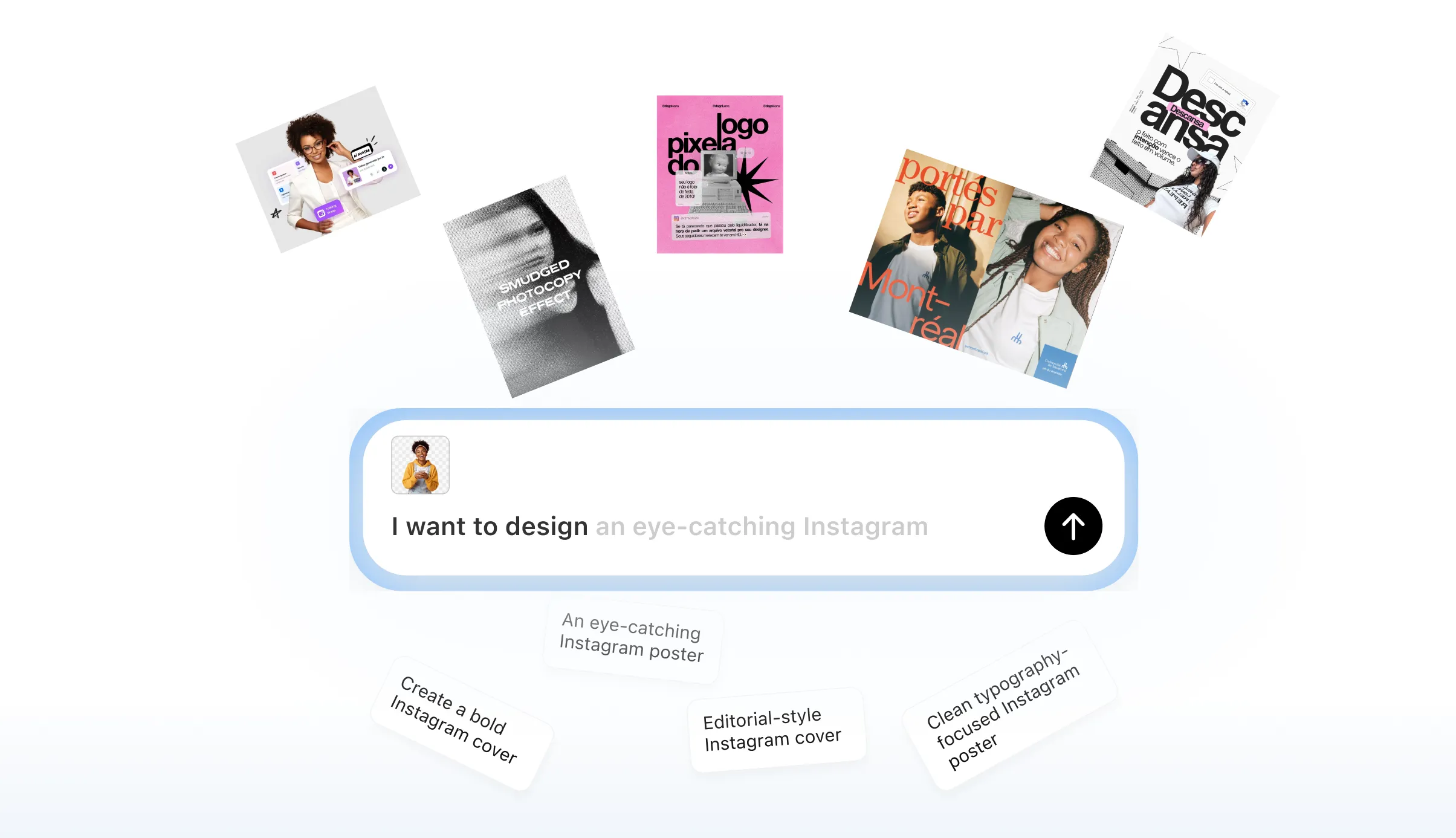
Custom Menu Builder for Easy Updates
Seasonal changes shouldn't be a headache. Just swap out a dish name or a price. The rest of your professional menu design stays perfectly aligned and polished.
Try It Free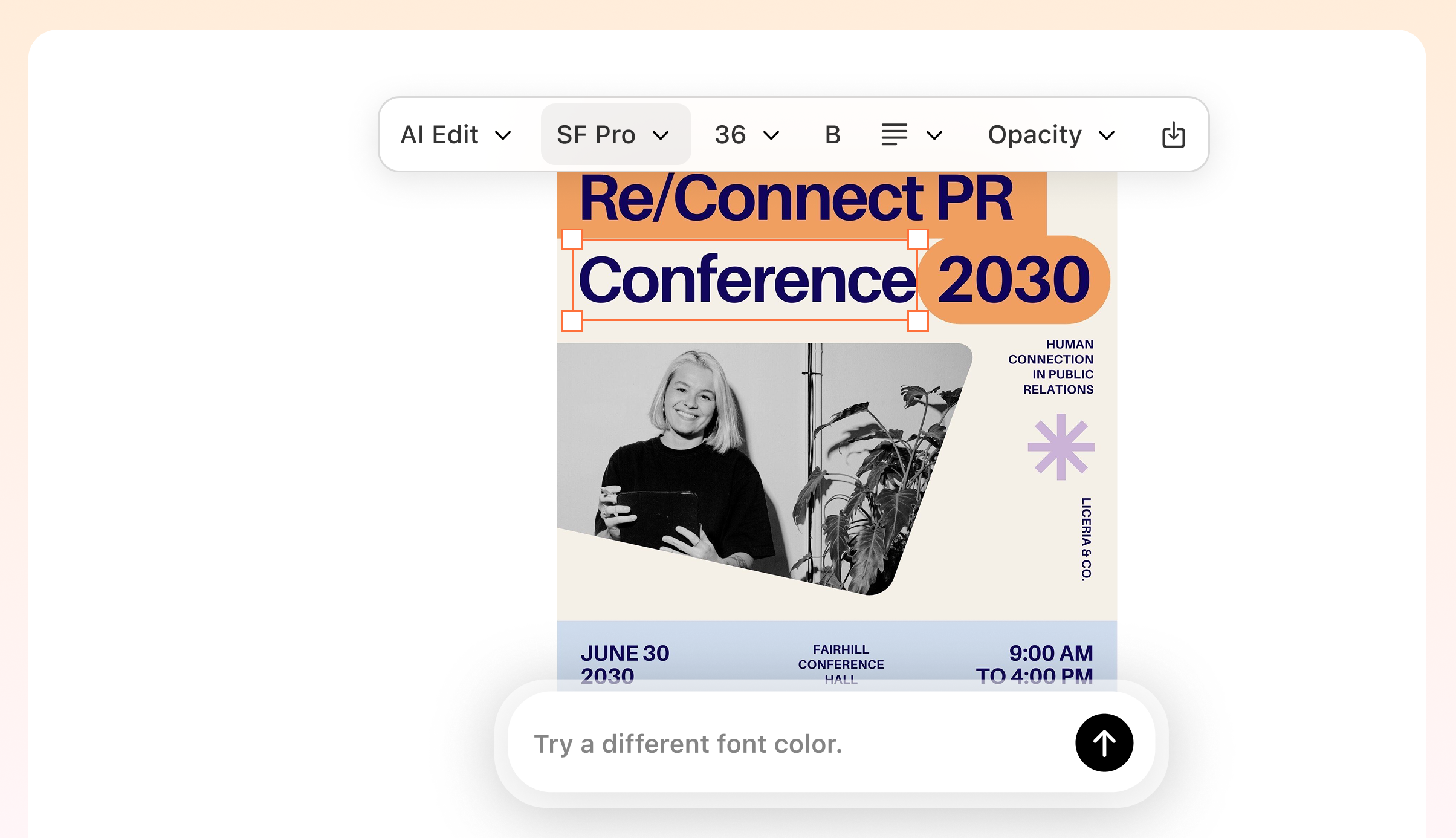
Highlight Dietary Icons and Specials
Add GF, Vegan, or Spicy markers in a single click. Veeso AI places these icons perfectly next to your dish descriptions. It makes your menu easy to read under dim restaurant lights.
Try It Free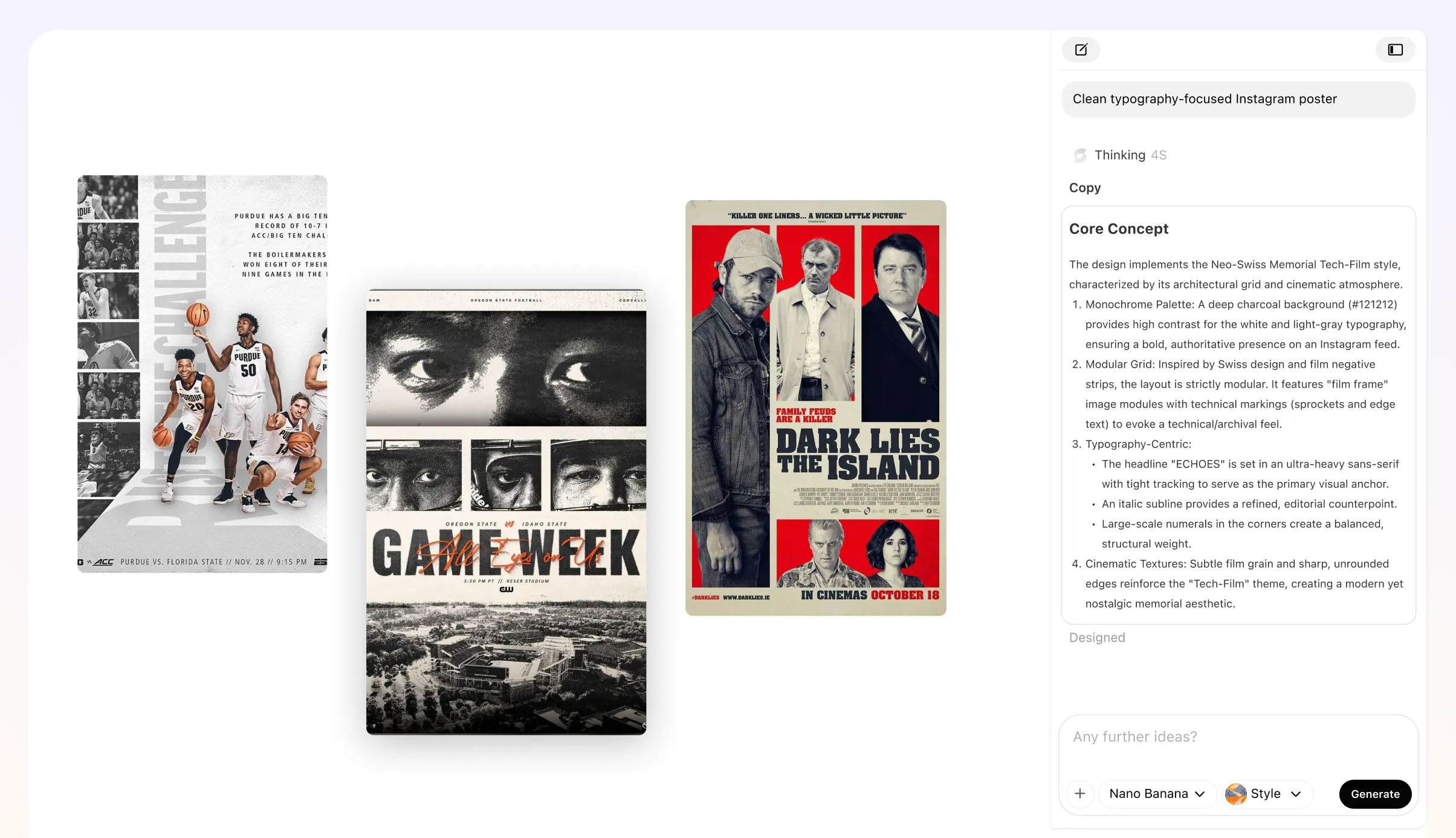
Print-Ready Menus Without Setup Stress
Never worry about blurry text or cut-off edges. Your files come with 300 DPI resolution and standard bleed margins. They are ready for any local print shop today.
Try It Free
Who Needs a Free Online Menus Generator?
Seasonal Specials and Price Updates
Your ingredients just got more expensive. You need to update prices without hiring a designer. Just swap the numbers, hit download, and print fresh copies for dinner. This printable menu generator keeps your margins healthy.
Custom Wedding Dinner Menus
Make your reception tables look elegant on a budget. Pick a serif font and list the plated options clearly. This AI menu maker handles the spacing so your layout looks sharp. Your guests will think you hired a pro.
Cafés and Coffee Shops
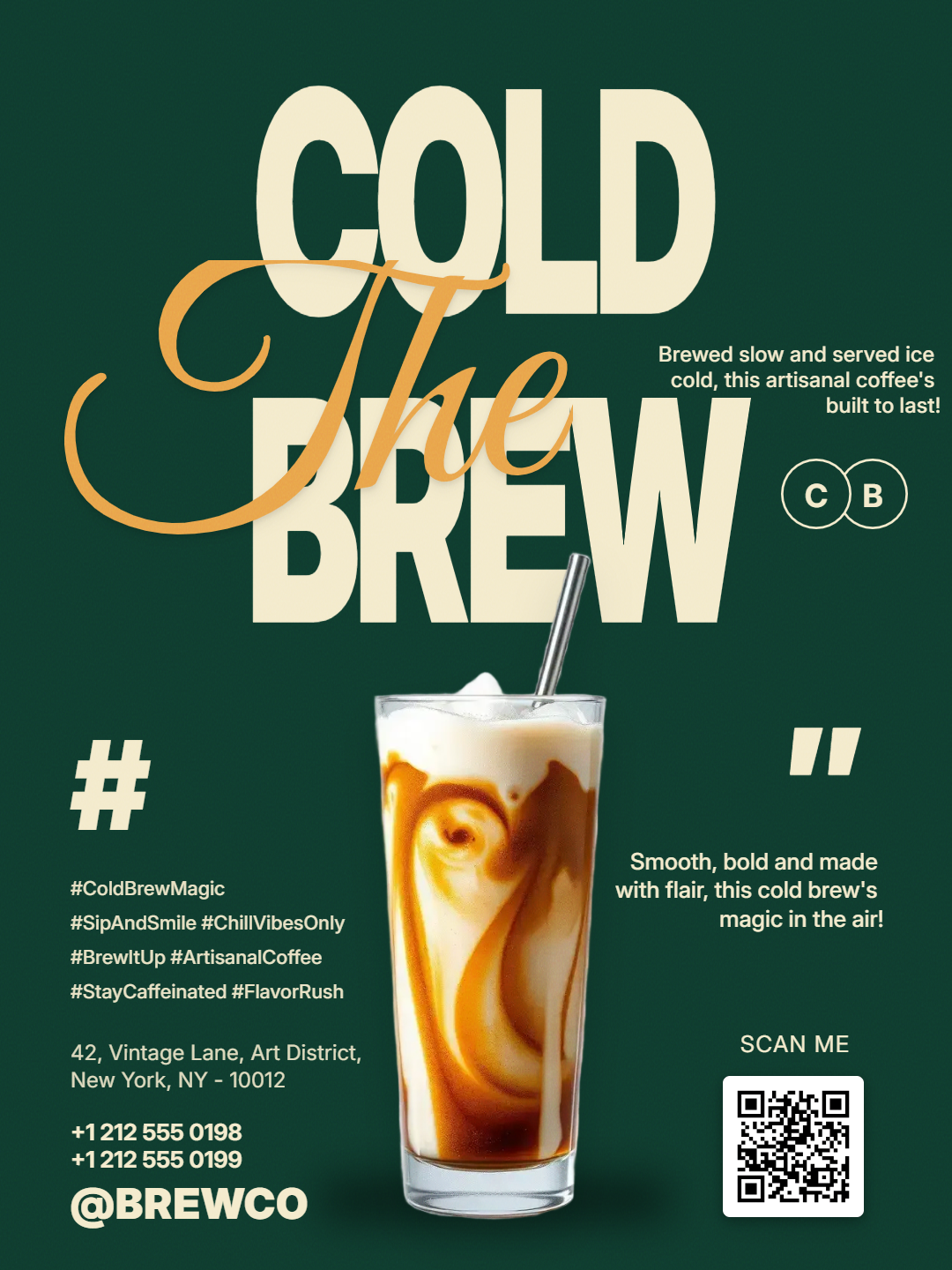
Branding matters when you're selling lattes. Add your logo and use bold fonts for your brew list. You can create menu online free and keep the vibe consistent. It beats using a messy chalkboard every time.
One-Night Pop-Up Menus
Running a limited-time kitchen takeover? Type your three courses and get a clean layout in seconds. This restaurant menu creator ensures your typography is easy to read. Perfect for dim lighting and busy tables.
Craft Cocktail and Wine Lists
Organize your drinks by spirit or region. Use icons for house favorites or spicy options. A custom menu builder helps you fit everything onto a slim 4.25x11 card. It saves space and looks sophisticated.
Printable Catering Flyers
Send home a list of your best platters with every delivery. Use high-resolution layouts that look great on US Letter paper. Veeso AI handles the bleed margins for a perfect print. No awkward white edges here.
Why Restaurant Owners And Event Planners Choose Veeso AI
Had to fix my dinner pricing ten minutes before opening today. I just pasted my list, picked a clean style, and printed twenty copies. The layout looks better than what my old agency used to charge for.
I wanted professional menu design for my sister's rehearsal dinner without spending a fortune. Veeso AI helped me organize the three-course meal into a beautiful, printable PDF. It felt like I had a personal designer.
Updating our seasonal latte list used to take all morning. Now I just drop the new flavors into this online menu maker and export. It has saved us so much money on graphic design costs this month.
How to Create High-Converting Customized Menu Layout
Paste your dishes into the menus generator
Type your list or upload a file. Include descriptions, prices, and your logo.
Customize the Layout
Choose your fonts and colors. Move sections around to highlight your chef’s recommendations.Change colors, images, and reorder sections to match your brand.
Download your printable menu generator file
Pick PDF for high-res printing or digital file to share online.
FAQ

Ready to Create Beautiful Print-Ready Restaurant Menu with Veeso AI?
Start Creating NowNo credit card required • Free to start • No design skills required
Explore More AI Graphic Design Use Cases
Discover more creative design scenarios powered by Veeso AI.